Say your grocery list and get it sorted
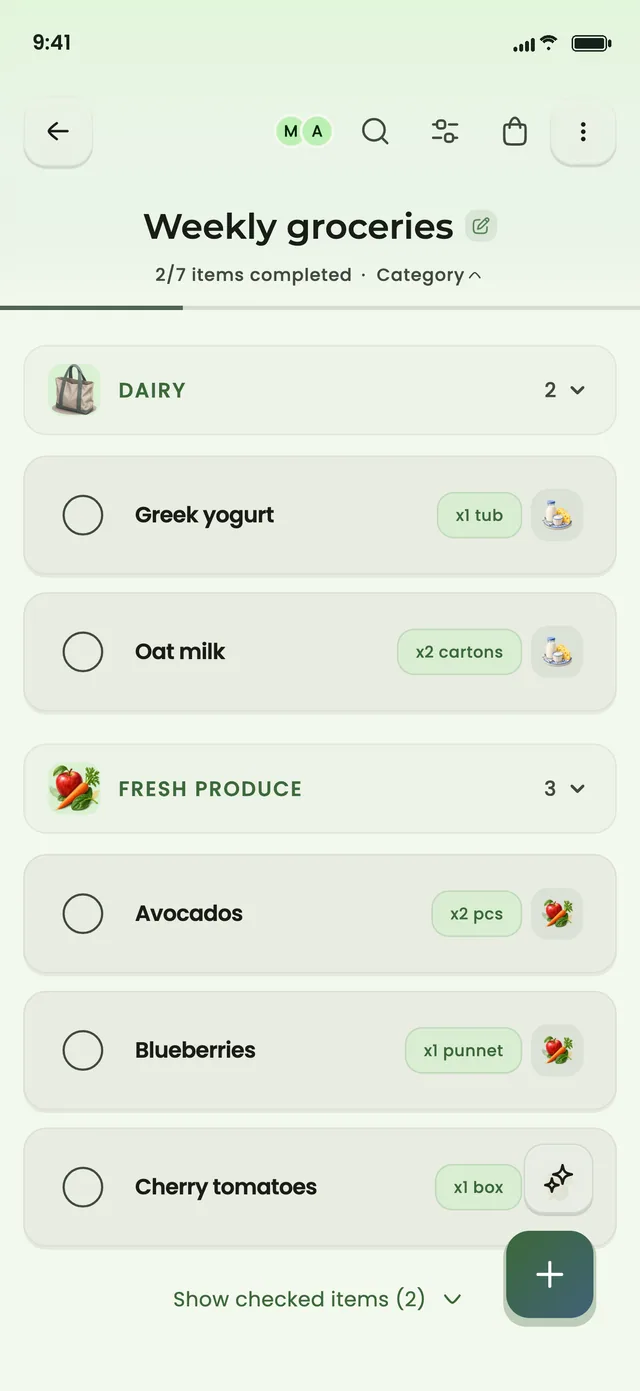
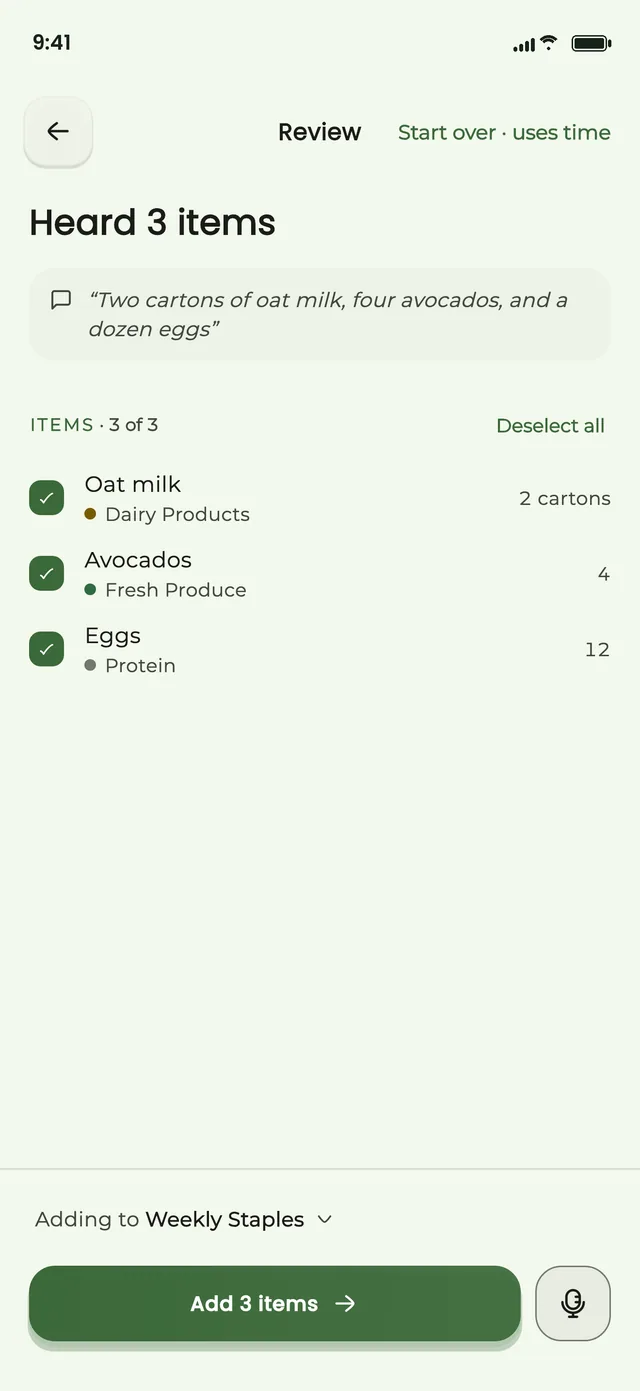
Open the fridge, tap the mic and say "two oat milks, avocados, a dozen eggs." ListAIse writes it down, splits it into items with amounts and puts each one in its aisle. You check the result before anything reaches your list.
How does a voice grocery list work?
-
Say it in one take
Talk for up to a minute. List things the way you'd say them to a person, amounts and all. You don't need to pause between items or say "add".
-
Check the items
The review screen quotes what you said and shows each item with its amount and category. Untick anything wrong, tap Keep talking to add more, or Start over.
-
Add to the right list
Pick the list and tap Add. The items land in their aisles. A result sheet shows how many went into each one, with Undo if you change your mind.
It understands how people actually talk
"Two eggs" becomes 2 eggs, and "a dozen bananas" keeps the dozen. If you switch languages halfway through a sentence, for example Spanish and English, or Hindi or Urdu and English, ListAIse still picks out the items and names them in your app language.
You can set the voice language to Auto or choose one of 39 languages in settings. For one quick item, use single-item voice: say "bananas" and it's added.
On a list made from a meal plan, say "Monday dinner" before the items and they're tagged to that meal. This works with English day and meal words.
Keep your voice on your phone
On iPhone and Android you can turn on on-device AI. ListAIse downloads a speech model and a language model once. After that your recording is transcribed and turned into items on the phone itself, so your voice never leaves it.
On-device voice doesn't use your voice minutes, and it works with no signal at all. The language model is a large download and needs a recent phone with plenty of memory.
In cloud mode, the recording is uploaded for transcription and the text goes to Google Gemini to find the items. ListAIse asks before it sends anything to cloud AI. The on-device AI guide explains the models and how to install them.
No signal? Record now, send later
In the mobile apps, a take recorded offline in cloud mode is saved on your phone. You'll see a line like "2 recordings saved offline", and they're sent on their own once you're back online. Tap Send now to push them sooner.
If the app closes mid-review, the unfinished review comes back the next time you open it.
Tips for a cleaner voice list
- Say the amount before the item: "three onions" reads better than "onions, maybe three".
- Name the brand or size when it matters, like "large Greek yogurt". Whatever you say goes into the item name.
- Forgot something? Tap Keep talking on the review screen instead of starting a new take.
- If the app keeps mishearing you, set the voice language in settings instead of leaving it on Auto.
Siri, the web and what it costs
On iPhone with iOS 17 or later, Siri shortcuts let you add an item, ask what's left on your list, check something off or start shopping without opening the app. On the web at app.listaise.com, voice uses your browser's dictation in Chrome, Edge or Safari, then the same review screen.
Voice needs a free account. The free plan includes 5 voice minutes to try, and Premium includes 50 minutes a month. On-device voice on iPhone and Android doesn't count against either.
Other ways to fill the list
Voice is fastest for staples. For dinner ideas, import a recipe link and pick the ingredients you need, or add from your saved recipes. Items you say end up in a list sorted by aisle.
Shopping with someone? Add to a shared list by voice and they see the items appear on their phone. To see how other apps handle voice, read our roundup of the best grocery list apps.
Try it on this week’s shop
Say what you need, paste a recipe link or snap a receipt. You get a list sorted by aisle, ready to share.
Free on iPhone, iPad, and Android. Premium $1.99/month or $19.99/year.