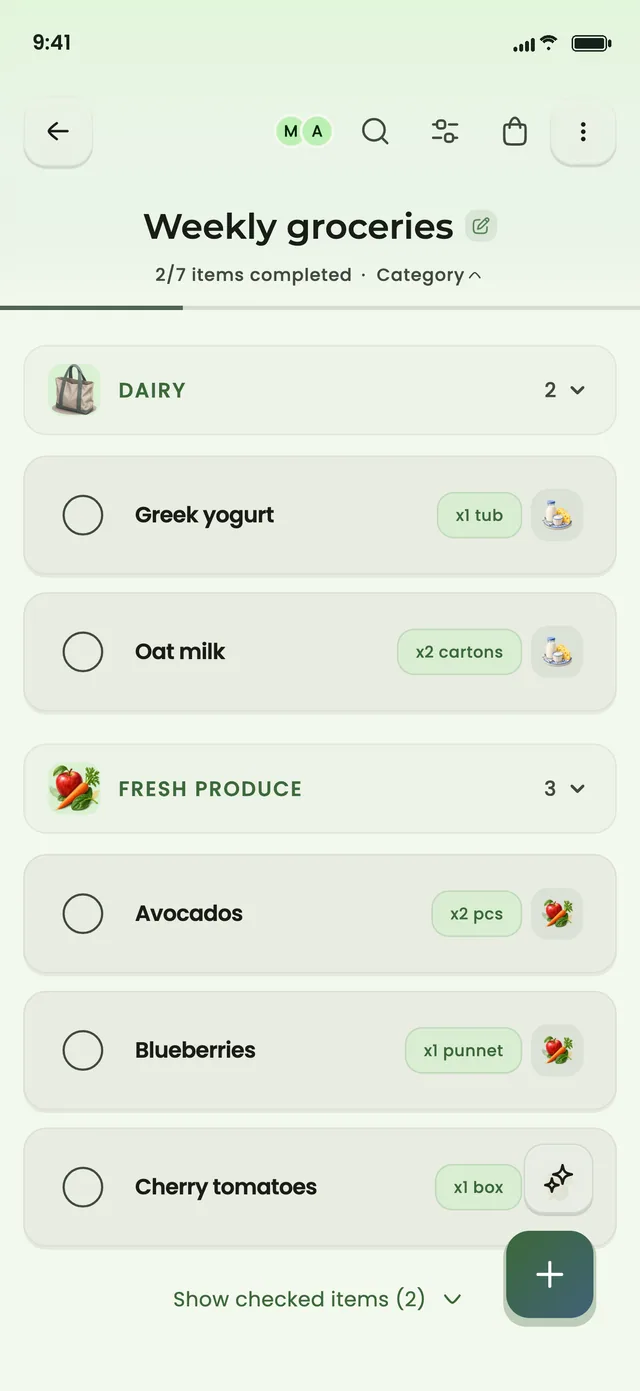
Scan a grocery receipt and keep the prices you paid
Take a photo of the receipt on the way out of the store. ListAIse reads each line, shows you the items with their quantities and prices, and adds the ones you pick to a list. The prices go into each item's history, so next week you know what milk cost last time.
By Raza Abbas, ListAIse developer. Updated .
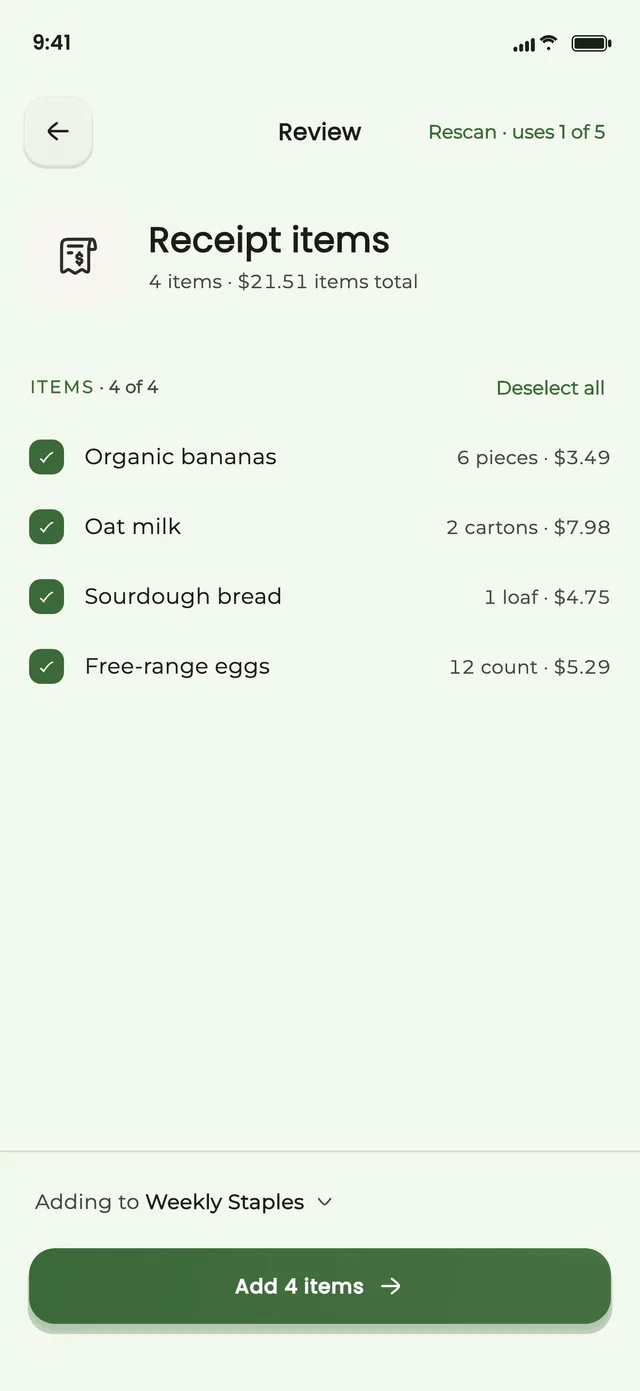
What the scanner pulls from a receipt
-
Items, amounts and prices
Each line becomes an item with a name, quantity, unit, price and grocery category. The review screen adds up the line prices so you can compare the total with the bottom of the receipt.
-
Less noise
Carrier bags and bottle deposits are left out, and the app tells you what it skipped. Items already waiting on your list are flagged and unticked, so you don't add the same thing twice.
-
Prices you can reuse
Adding saves the price you paid for one unit (the line price divided by the quantity). If the item is already on your list, ListAIse offers to update its price, and the change goes into its price history.
Why scan a receipt you've already paid?
Because the receipt is the only honest record of what groceries cost you. Shelf tags change, sale prices end, and memory is bad at decimals. Once a receipt is scanned, the prices sit on the items you buy every week. The next time you add oat milk, the list already knows its price, and the grocery budget bar adds it to the total before you leave home.
It's also a quick way to rebuild a list. Scan last week's receipt, untick what you don't need, and add the rest to this week's shop.
How accurate is it?
Good on a flat, fresh receipt, and worse on a faded or crumpled one. Most grocery receipts are printed on thermal paper, and the ink fades, so scan on the day you shop. Lay it flat on a darker surface in even light, hold the phone straight above it, and keep all four corners in the frame.
The scanner doesn't show confidence scores, and it can misread an abbreviated product name or a price. That's why nothing is added until you've looked at the review screen: read each name, quantity and price, and untick anything that doesn't match. Price updates only go to an item when exactly one row on your list matches it by name and unit, so a guess never overwrites the wrong product.
If the AI can't read any items at all, the scan is refunded and doesn't count against your allowance.
Other ways in
- Pick a photo from your gallery instead of using the camera.
- Paste the text of an emailed or online receipt, up to 2,500 characters.
- Switch to written list mode and photograph a handwritten shopping list to turn it into items.
- On the web app, drop an image file onto the window.
How many scans do you get?
A free account includes 5 cloud receipt scans to try. Premium ($1.99/month or $19.99/year) includes 50 scans a month, reset on the 1st, along with no ads and the lowest-price-you've-paid line on each item.
On iPhone and Android you can also install an on-device AI model in Settings. Scans that run on the phone don't use your allowance at all. If the phone runs out of memory during a scan, the app asks before retrying in the cloud.
Who sees your receipt photo?
With the cloud engine, the photo goes to ListAIse's servers, which pass it to Google Gemini to read the items. The app shows a consent screen first and sends nothing until you agree. The result is used only to give you your items back. It isn't used for advertising and it isn't sold.
With the on-device engine, the photo is read on your phone and isn't sent to a third party. The full details are in the privacy policy.
Keep going
- Set a grocery budget and see the total while you shop.
- Cut your grocery bill with a list that has prices on it.
- Scan a receipt step by step, with photo tips and troubleshooting.
- Grocery list apps compared, including which ones scan receipts.
Try it on this week’s shop
Say what you need, paste a recipe link or snap a receipt. You get a list sorted by aisle, ready to share.
Free on iPhone, iPad, and Android. Premium $1.99/month or $19.99/year.