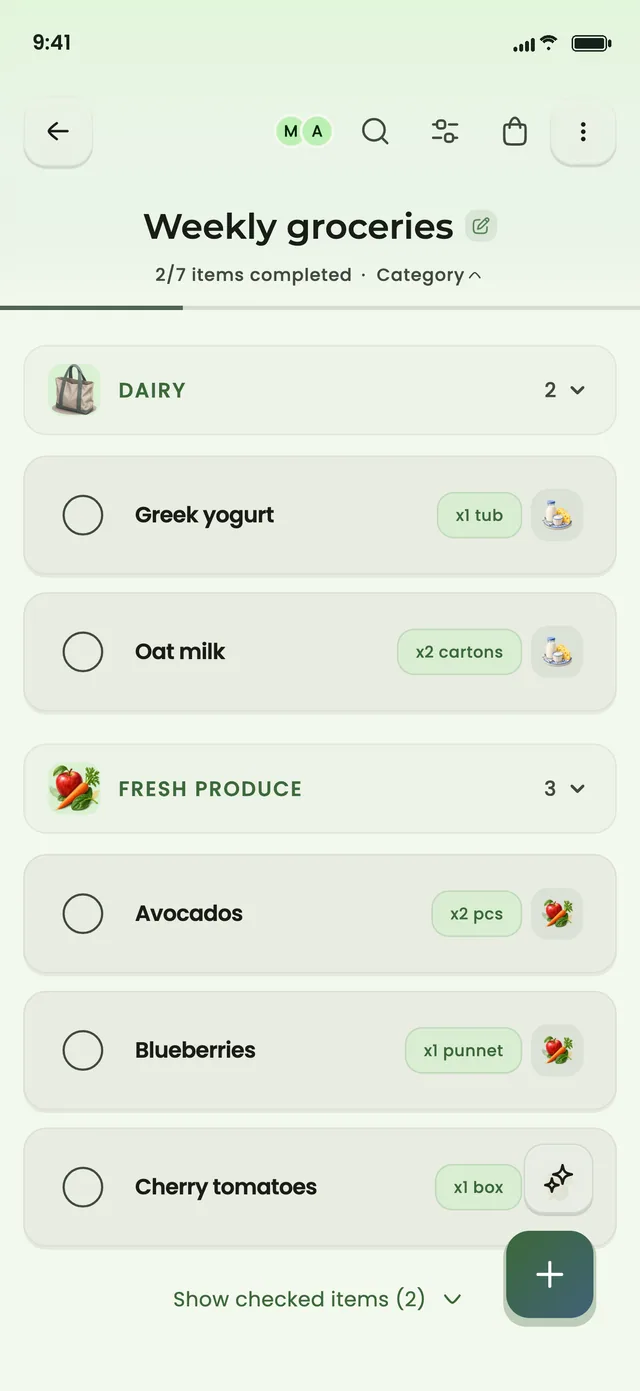
How to organize a grocery list by store section
A list in store order saves you from walking back to produce for the lemons you missed. You set it up once, on one trip, and every list after that is quicker to shop.
By Raza Abbas, developer of ListAIse. Updated .
Why sort a grocery list by section?
Most lists are written in the order things run out: milk, then dish soap, then onions, then milk again. Shopping that list means zigzagging across the store. Grouping it by section turns it into one walk from the door to the checkout.
It also helps you catch what's missing. When all the dairy is in one block, you notice there's no butter before you leave the house, not after you get home.
Six steps to a list in store order
-
Map the store you use most
On your next trip, write down the sections in the order you pass them. If you can't get there soon, picture the walk from the entrance. Many supermarkets put fresh produce near the door and dairy and meat along the back or side walls, with packaged food in the middle aisles. Yours may not, which is why your own map beats a generic one.
-
Keep it to 8 to 12 sections
Use the store's signs as a starting point, then merge the small ones. "Pantry" can cover canned goods, pasta, rice and sauces. Too many sections and you spend more time sorting than shopping. Too few and the list stops guiding you.
-
Put items where your store keeps them
File each item under the section you'd find it in, not where it seems to belong. Tortillas might sit with bread or in an international aisle. Plant milk might be in the dairy fridge or on a shelf. Go with your store.
-
Save cold and frozen for last
Even if the freezers are near the door, list frozen food at the end and pick it up on the way out. It spends less time in the cart, and ice cream doesn't melt while you look for coffee.
-
Make one list per store
A warehouse club and your local supermarket have different layouts. If you shop at both, keep a separate list for each, so each one follows its own walk.
-
Reuse it every week
Keep the section headings as a template and fill in items as they run out. If you shop with someone, agree on the section names, so "baking stuff" and "Pantry" don't end up as two places.
An example list in store order
Here is one week's shop for two people, written in the order of a typical walk through a supermarket:
- Produce
- Bananas, spinach, onions, lemons
- Bakery
- Sourdough, tortillas
- Meat and fish
- Chicken thighs, salmon
- Dairy and eggs
- Greek yogurt, eggs, cheddar
- Pantry
- Rice, canned tomatoes, peanut butter
- Household
- Dish soap, paper towels
- Frozen
- Peas, ice cream
On paper, fold the page into two columns and write the section names down the left before you start. Leave a few lines under the sections you fill most, usually produce and pantry.
How ListAIse does this for you
We build ListAIse, so this is the part where we describe our own app. It runs the same method without the setup:
- Each item you type, say or scan goes into a store section on its own.
- Shop mode learns the order you tick things off in and uses it on the next trip.
- Category order lets you drag sections into your walking order, saved on that list.
- If you move an item to another section, the list remembers it for next time.
- Save a list as a template to reuse every week. Lists are unlimited, so one per store is fine.
See how the app that sorts by aisle works, or read the category order guide. Lists already on your phone keep working in a store with no signal; that's covered on the offline grocery list page.
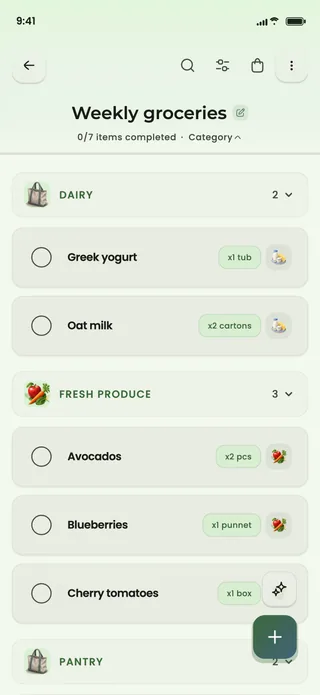
Picking an app for it
Several grocery list apps group items by aisle, and they differ in how much you set up yourself. Our roundup of the best grocery list apps notes which ones do.