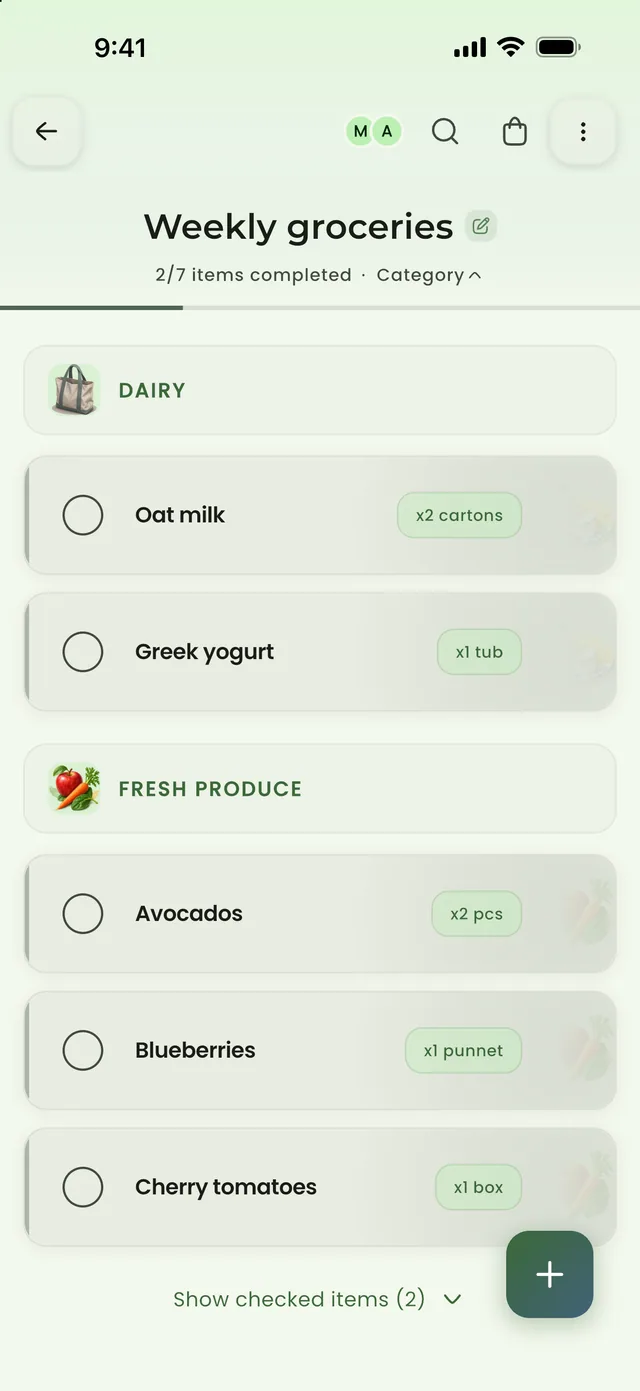
Dairy
Dairy Fresh produce
Start with what you already have
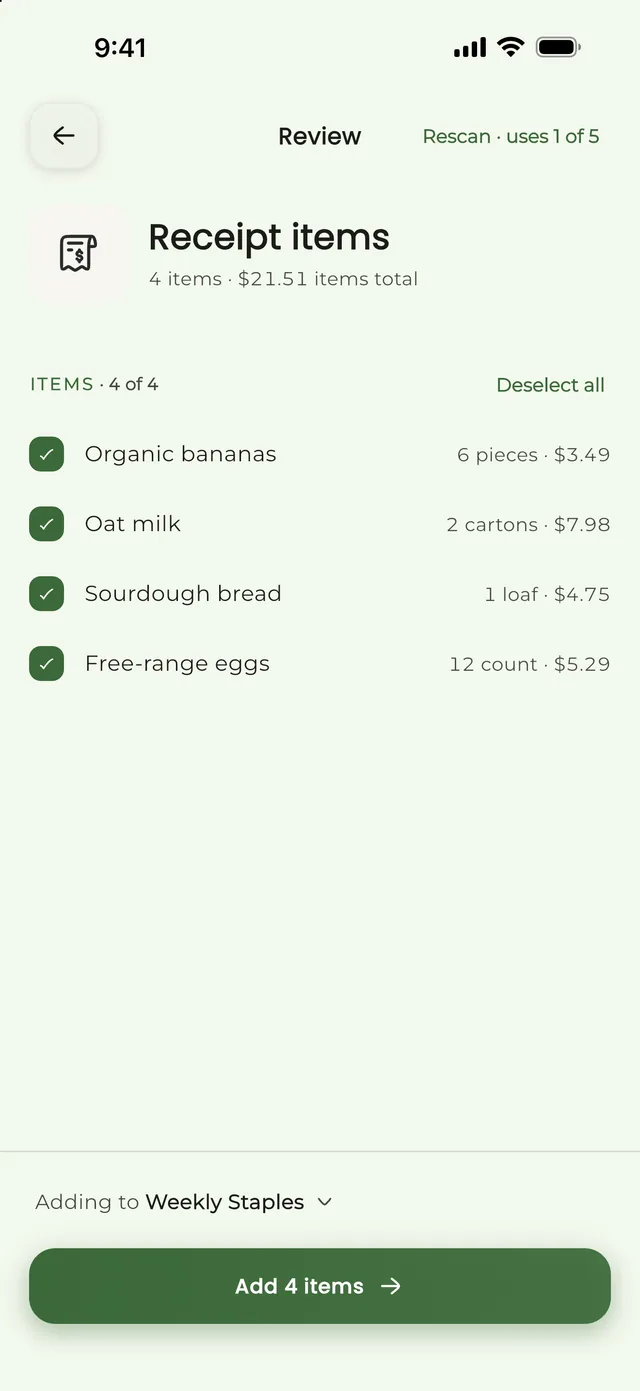
Paste a recipe link, scan a receipt, or say the items out loud. ListAIse shows you what it found so you can check everything before it reaches your list.
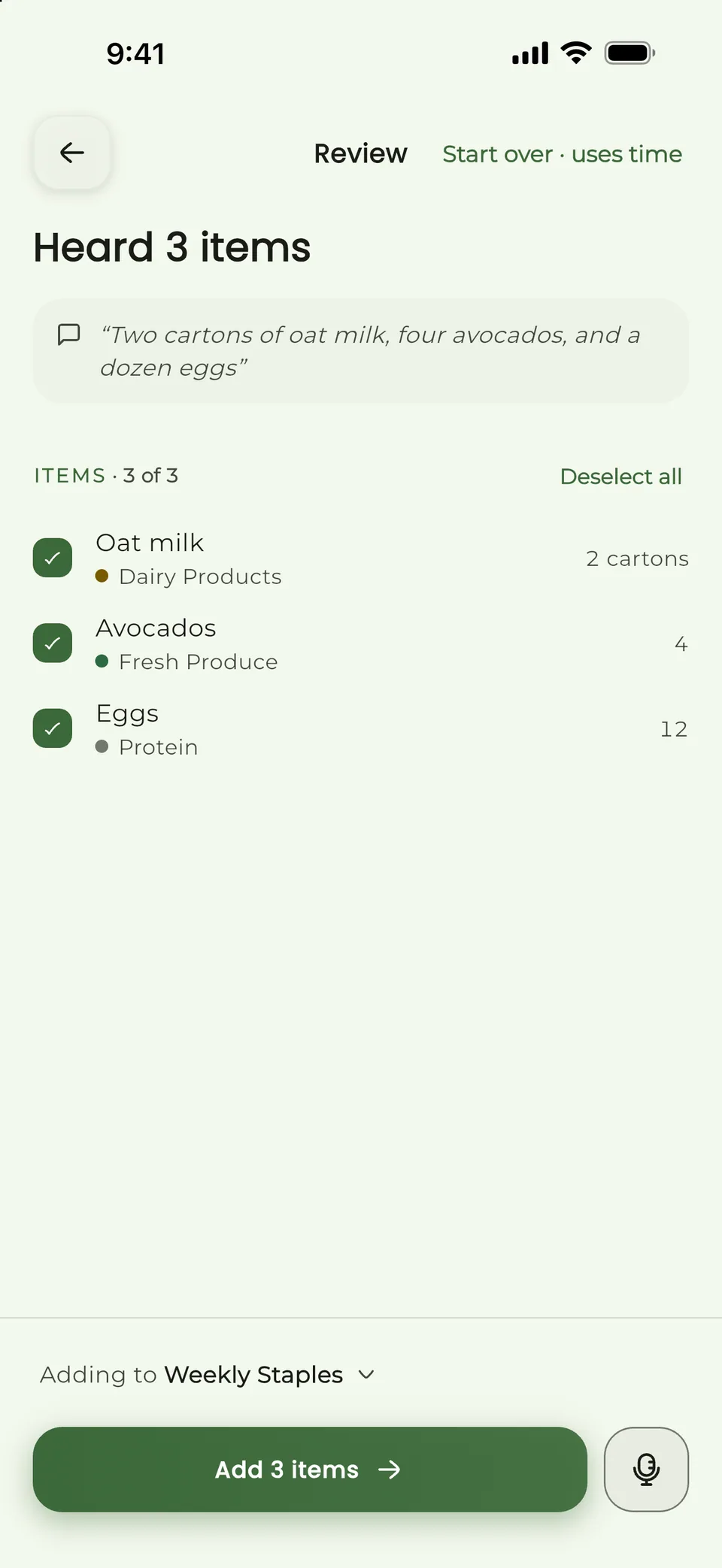
Speak your list and ListAIse sorts it by aisle. Check it, then share it with your household. Recipes and receipts work the same way. How it works
 App Store
 Google Play
Optional on-device AI: your voice never leaves your phone.
Okay so, um, oat milk, two cartons… a tub of Greek yogurt, uh, two avocados, blueberries, and a box of cherry tomatoes. I think that’s it.5 items· Dairy, Fresh produce
Turn recipes, receipts, and quick reminders into one grocery list, every item sorted by store section.
Pasta night, sorted.
Tomato basil spaghetti, serves 4
Four ingredients land in Produce, Pantry, and Dairy.
4 left to shop
Paste a recipe link, scan a receipt, or say the items out loud. ListAIse shows you what it found so you can check everything before it reaches your list.
Turn meals into a list and keep different shops separate. Share them with the people who need them, so the household knows what is left to buy.
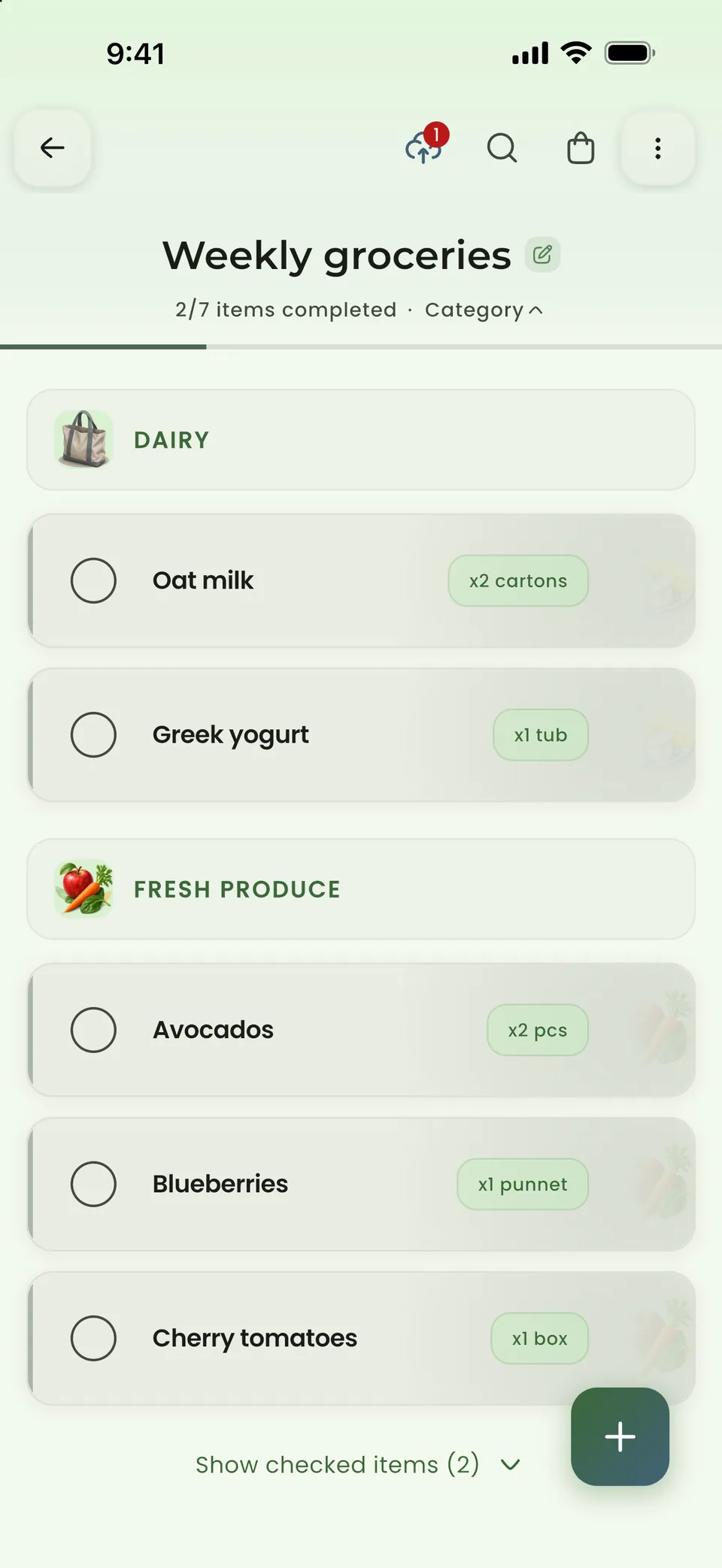
If a list is already on your device, you can keep using supported item actions. ListAIse queues those changes and syncs them when you are back online.
Free to start on iPhone, Android, and the web.
Every core list feature is free, with a chance to try each AI tool. Premium lifts the list and AI limits, and the ads.
For regular grocery lists and sharing with your household. You can try the AI tools too.
Includes ads.
For households that run more lists or use the AI tools often.
Equivalent to $1.67 per month
Download ListAIse for free and upgrade inside the app if you want Premium. Your app store handles the subscription and any available trial.
Choose an app to compare with ListAIse. Every note below comes from the product's own public information.
We checked the public product information on July 22, 2026. Read AnyList feature comparison (opens in a new tab). Full AnyList comparison
Now comparing ListAIse with AnyList.
Get items onto a list
Which inputs the app can turn into groceries.
ListAIse
Paste a recipe link, photograph a receipt, or record a voice note. You can check the grocery items ListAIse finds before it changes your list.
AnyList
AnyList imports recipes from supported websites and moves their ingredients to a list. You can also add grocery items with Siri or Alexa.
Plan meals
How recipes and meals feed into the shopping list.
ListAIse
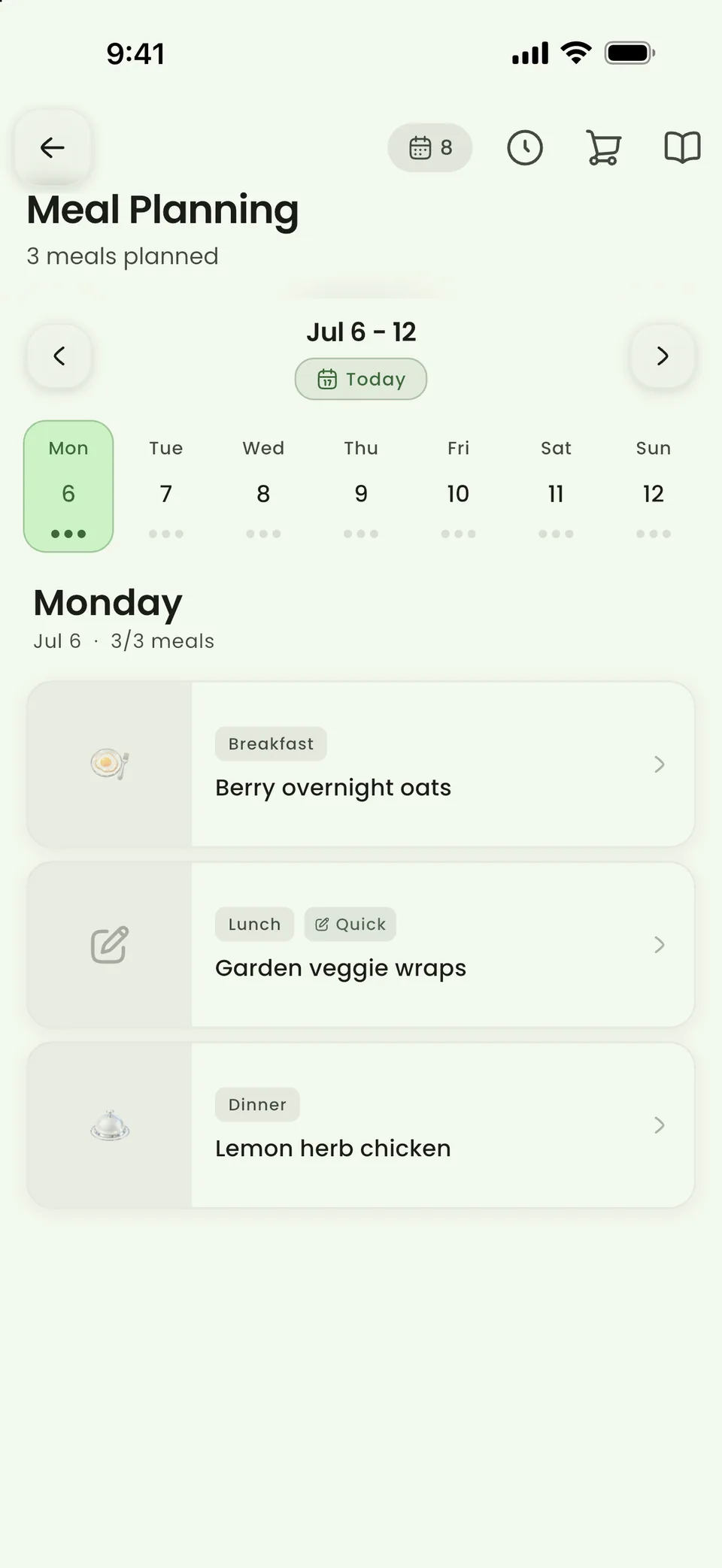
Build a weekly meal plan and turn it into a categorized grocery list. Duplicate ingredients are combined for you to review.
AnyList
It combines a recipe library with calendar-based meal planning and grocery-list generation. Meal planning is part of AnyList Complete.
Share the shopping
What happens when more than one person uses the list.
ListAIse
Share a list with your household or another group. When everyone is connected, changes sync as they happen, with separate viewer and editor roles.
AnyList
Shared lists, recipes, and meal plans sync across devices when everyone is signed in.
Shop without a signal
What each product says publicly about offline use.
ListAIse
You can keep using core list actions offline, and ListAIse queues the changes to sync later. Cloud AI and live collaboration need a connection. Supported on-device AI can run locally after its model is downloaded.
AnyList
The public feature comparison discusses syncing across devices but does not explain what happens when you edit offline and reconnect.
Who it suits
The kind of shopping routine each app is built around.
ListAIse
ListAIse suits households that want meal planning and shared lists in the same app. It also handles recipes, receipt scans, voice input, and offline list editing.
AnyList
It suits shoppers who want a mature recipe organizer and calendar-based meal planner alongside shared lists.
We compare the workflows each product documents, not every setting or regional variation. If we say something is "not detailed," it only means the public page we reviewed did not explain it. The feature may still exist. Plans and availability can change, so check the linked source before you buy.
See how privacy, offline use, shared lists, plans, and device support work in ListAIse.
Need help setting up the app or fixing a problem?
You can turn recipes, voice notes, and receipt scans into grocery items, then check them before they reach your list. ListAIse also covers meal planning, shared lists, and offline use for lists already saved on your device.
ListAIse stores account and list data on your device and with the providers that keep the app running. Depending on the feature, processing happens in the cloud or through supported on-device AI. You choose who can access a shared list, and you can ask to access, correct, export, or delete your data.
Read the privacy policyWhen everyone is connected, invited members can update a shared list and see changes as they happen. If your connection drops, supported changes to a list already on your device wait in a queue and sync after you reconnect. Invites, cloud AI, and live updates from other shoppers still need internet.
See what works offlineThe Free plan includes core list management, basic collaboration, offline list use, and meal planning. It also lets you try recipe imports, voice input, and receipt scanning. JSON list backup and restore are free; CSV export requires Premium. Premium adds unlimited lists and created groups, removes ads, and removes the Free plan limits from supported cloud AI features. Service safety limits still apply.
Compare plans and current limitsListAIse is available for iPhone and iPad through the App Store, for Android through Google Play, and in a web browser at app.listaise.com. Sign in with the same account to see your lists everywhere.
Start from scratch, paste a recipe, scan a receipt, or add items by voice.
Free on iPhone, iPad, and Android. Premium $1.99/month or $19.99/year.