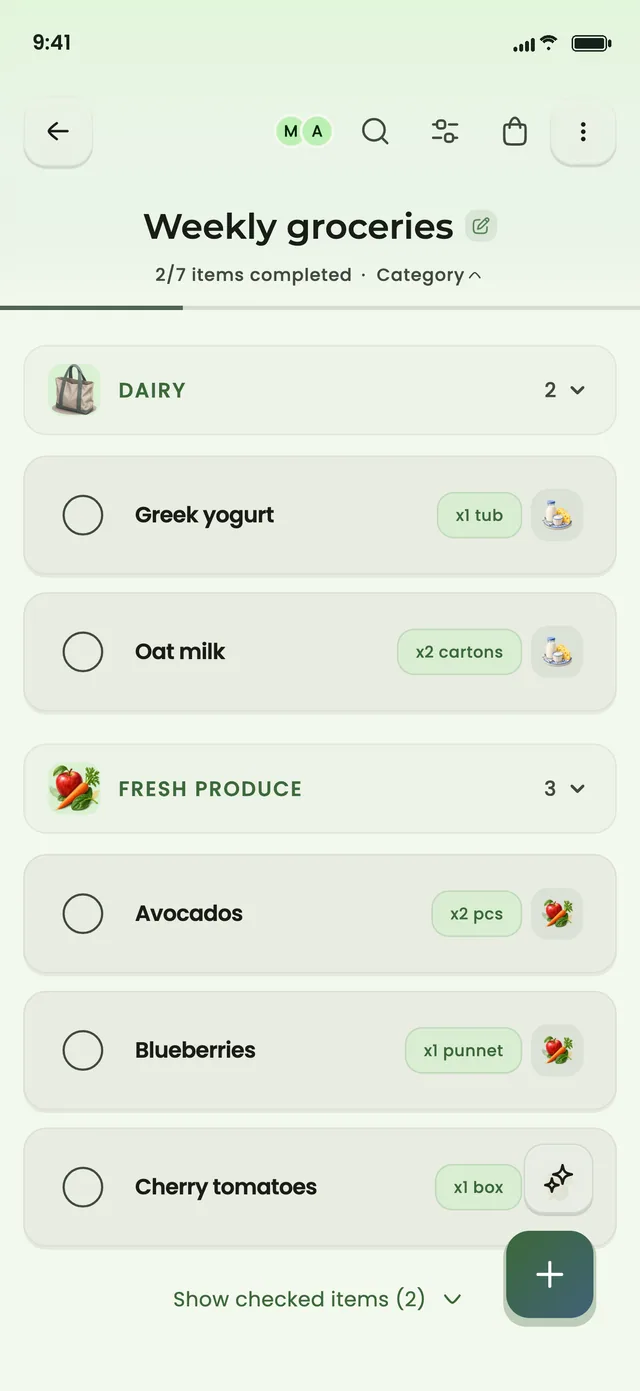
A grocery list that sorts itself by aisle
Add items in any order. ListAIse puts each one in its store section, like Dairy, Fresh produce or Pantry, and keeps the sections in the order you walk your store. You finish one section before you start the next.
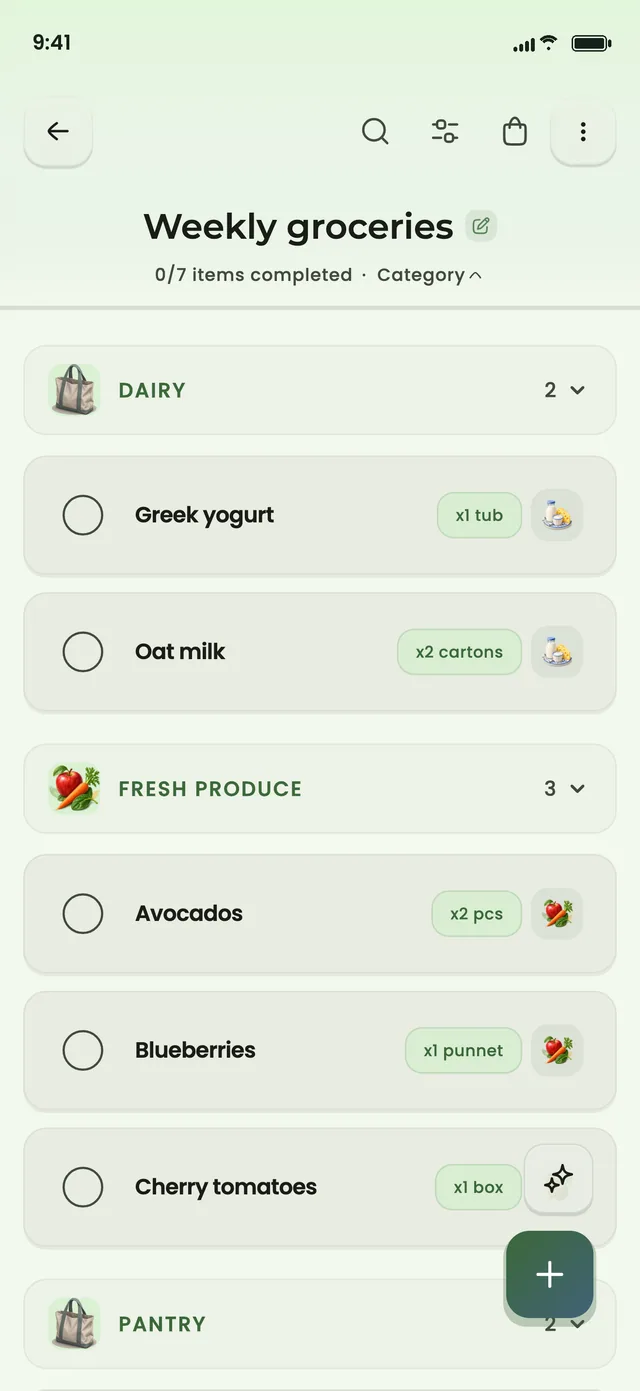
How does ListAIse sort a list by aisle?
-
Every item gets a section
The built-in catalog covers common groceries in 27 categories. Pick "milk" and it goes to Dairy. Type something the catalog doesn't know and, if you've turned AI on, ListAIse works out the category in the background.
-
The list remembers fixes
Move tortillas to a different section once and that list remembers it. The next time anyone adds tortillas to it, they go straight to the same place.
-
Sections follow your walk
Shop once in Shop mode and ListAIse learns the order you tick things off in. On the next trip the sections appear in that order.
Set your own aisle order
Your store might put bread at the back or frozen food by the door. Open Category order from the list options and drag the sections into the order you walk. Each move saves right away, and Undo puts back the order you started with. Other always stays last.
Your own order wins over the learned one. Tap Use learned order to go back. If you set a store on your lists, you can keep one order for every list at that store.
ListAIse doesn't know your store's aisle numbers. It orders sections the way you shop them, which is what saves the walking. You can also make your own categories, with a name and an icon, for things like "Costco bulk" or "Pharmacy counter".
Shop mode: only what's left, in aisle order
Tap Shop in the list header. You get a full-screen view of what's still to buy, grouped by section, with big check circles that are easy to hit with one hand. The screen stays awake while you shop.
Ticked items drop into a basket you can open to put one back. If your items have prices, a line shows what's in the basket and what's left. When you leave, ListAIse saves the order you visited the sections in for next time.
Recipes, receipts and voice arrive sorted
Say "eggs, spinach, rice and dish soap" with voice input and each item arrives in its section. Import a recipe link or scan a receipt and the result screen shows how many items went into each aisle.
Prefer to read the list another way? The sort panel also offers A to Z, checked items last, your own drag order, and By meal for lists made from a meal plan. The choice is saved on the list.
Getting the order right on your first trip
- Keep one list per store. Lists are unlimited, and each one keeps its own aisle order.
- Set the store on the list. The list then shows "Shopping at" with the store's name, so nobody takes the wrong list.
- Shop the first trip in Shop mode and tick items off as they go into the cart. That trip teaches the list your route.
- If the store is rearranged, drag the moved sections in Category order. Nothing else on the list changes.
Does the order carry over to a shared list?
Yes. Sort settings and category order are saved on the list itself, not only on your phone. When you share it, whoever goes to the store gets the same sections in the same order. See how a shared grocery list works for couples, families and roommates.
Lists already on your phone keep working in a basement aisle with no signal, so the sorted list is still there when you need it. Read more about the offline grocery list.
Prefer paper, or want the method?
The same idea works on paper. Our guide on how to organize a grocery list by store section order walks through mapping your store, picking sections and keeping the list in walking order.
Comparing apps? Our grocery list app rankings note which ones sort by aisle. The creating lists guide covers sorting, Shop mode and category order in detail.
Try it on this week’s shop
Say what you need, paste a recipe link or snap a receipt. You get a list sorted by aisle, ready to share.
Free on iPhone, iPad, and Android. Premium $1.99/month or $19.99/year.